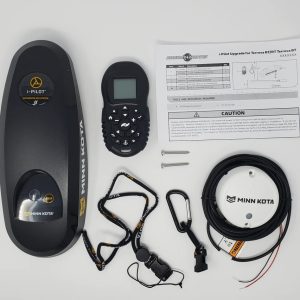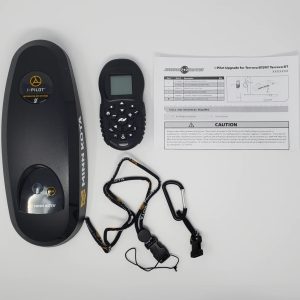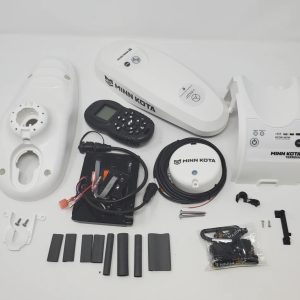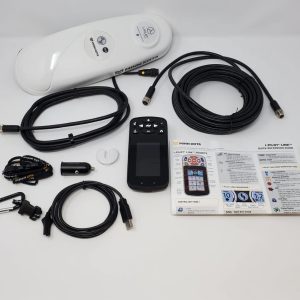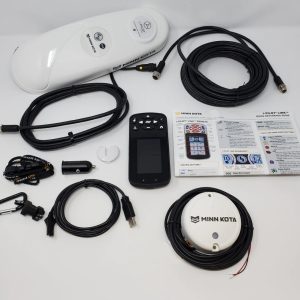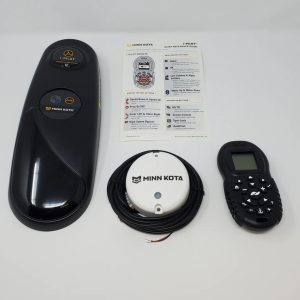
Minn Kota i-Pilot replacement remote
Quick Details
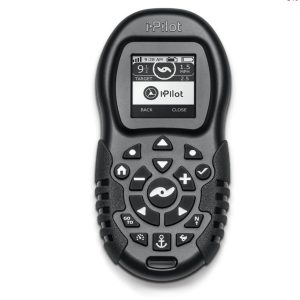
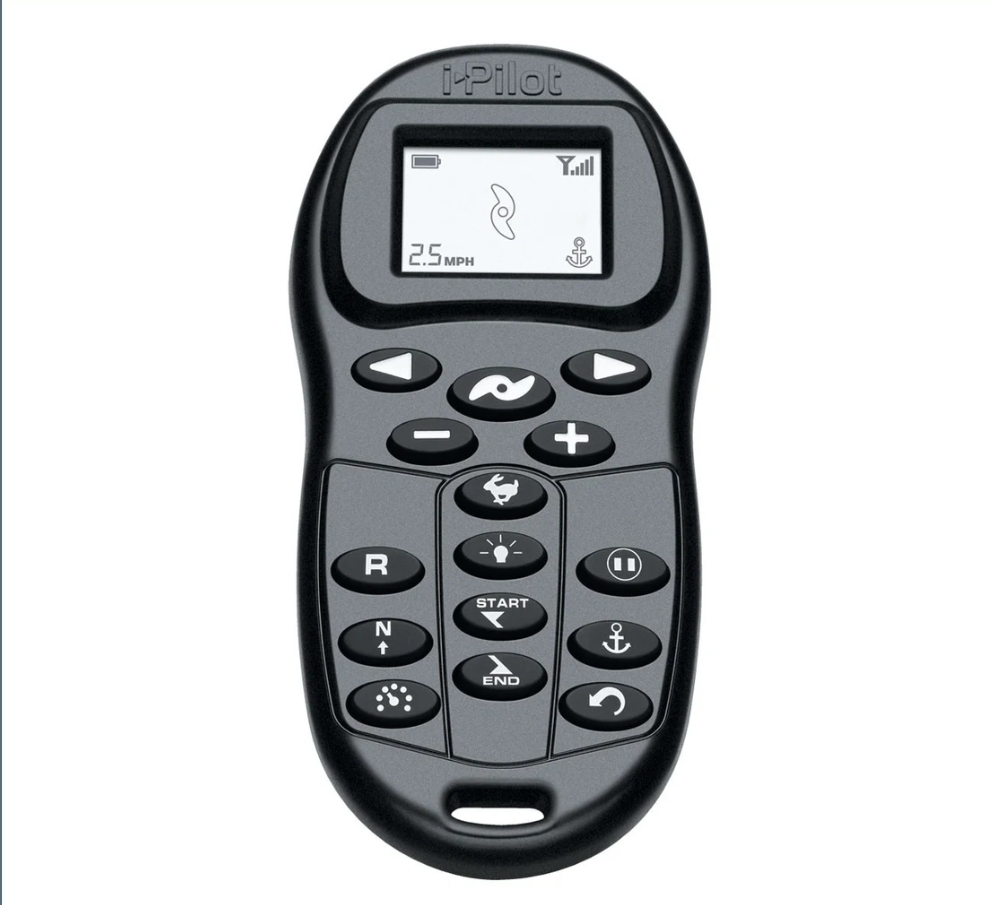
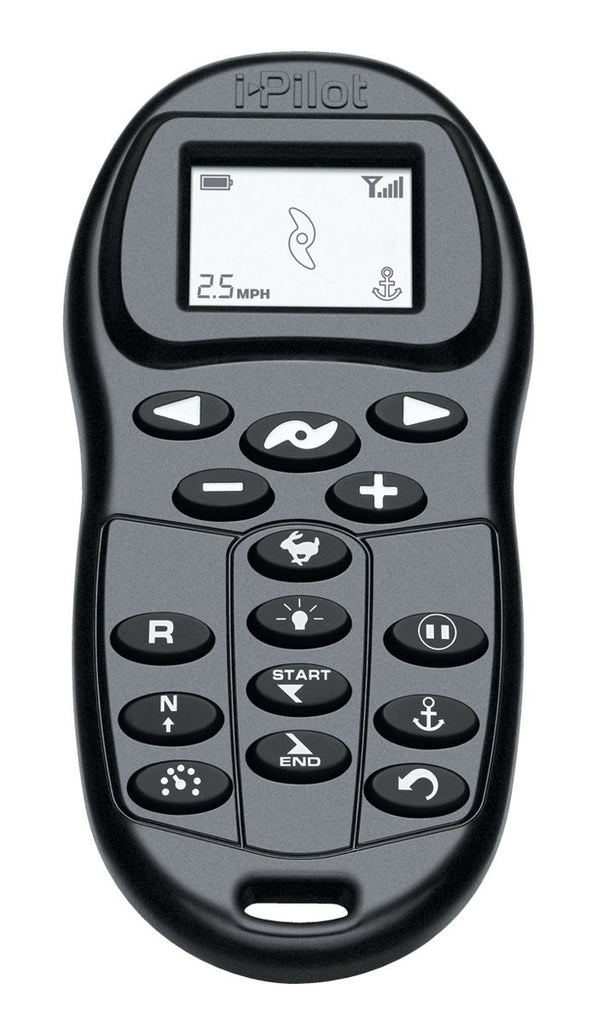
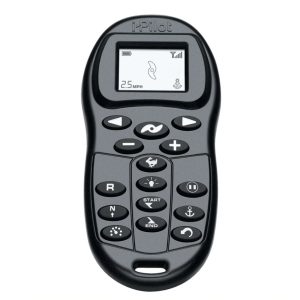
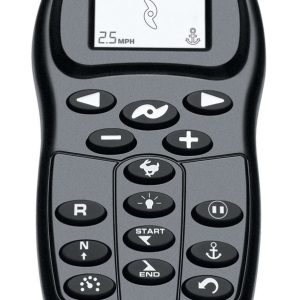
Use the i-Pilot wireless remote set anchor points, tracks, cruise control, direction, or control any other function of your non-bluetooth Minn Kota i-Pilot trolling motor. This i-Pilot remote control can be used to add an additional remote to your system or to replace a lost remote. The LCD screen displays the motors current settings, GPS signal strength, battery status, direction, and prop status. The i-Pilot replacement remote uses a single CR2450 coin-cell battery. Lanyard not included.
PART NUMBER:
RECOMMENDED FOR:
Adding another remote to your i-Pilot trolling system or replacing a lost remote control.
COMPATIBLE WITH:
The i-Pilot replacement remote is compatible with all non-bluetooth i-Pilot trolling motors. Lanyard not included.
INSTALLATION NOTES:
Steps to syncing or “learning” the new remote
- Power up the trolling motor.
- Push and hold the learn button down (learn button is located at the top of the remote). A steady audio tone will be heard while holding this button.
- While holding the learn button on the controller, push any button on the remote. Three short chirps will be heard when the remote is successfully learned.
Note: A remote can only be learned to one i-Pilot system at a time. i-Pilot systems can have an unlimited amount of remotes.
ADDITIONAL DETAILS:
The i-Pilot replacement remote is covered by Minn Kota’s two-year warranty.
Minn Kota i-Pilot Replacement Remote
Replace a lost or damaged controller with a Minn Kota i-Pilot replacement remote from Marine Reuse. This wireless remote is designed to control compatible Minn Kota trolling motors equipped with an i-Pilot system. Because Minn Kota has released several remote versions, the right replacement depends on the motor’s model, year, and installed control system. Check this listing for the remote’s exact part number and Bluetooth status before ordering.
A compatible i-Pilot remote can give you access to supported motor functions from around the boat. Depending on your motor and system, controls may include steering, speed, propeller operation, and GPS features. Some Ulterra configurations also support remote control of stow, deploy, and trim functions. The functions available depend on your equipment and remote version.
Match the remote to your motor
Minn Kota i-Pilot remotes are not all interchangeable. Legacy non-Bluetooth remotes, Bluetooth i-Pilot remotes, i-Pilot Link remotes, and Advanced GPS Navigation remotes work with different motor systems. A remote that looks similar to yours may still fail to pair if it is made for a different generation or control system.
Before purchasing, check your trolling motor’s model and serial information, system generation, and whether it uses Bluetooth. Compare those details with the remote’s part number and the compatibility information on this product page. Minn Kota’s support documentation identifies different replacement remotes for legacy i-Pilot and Bluetooth i-Pilot systems; Ulterra models may also require a specific remote version.
If you’re unsure which remote you need, contact Marine Reuse with your motor’s full model and serial number. You can also consult Minn Kota’s compatibility resources or an authorized service provider before ordering. Confirming the correct version first can help prevent a mismatch.
Pairing and operation
After confirming compatibility, the remote generally needs to be paired or learned by the trolling motor’s controller. Pairing steps depend on the system. Use the instructions for your specific i-Pilot generation and follow the motor’s manual. A remote may need fresh batteries, and the motor’s controller must have power for pairing and operation.
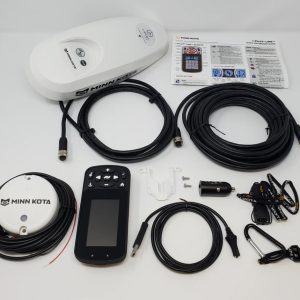
For best results, check the remote’s buttons, display, and battery compartment, and review the listing photos for the exact item being sold. The listing should state whether batteries, a lanyard, or other accessories are included. Do not assume accessories are part of the package unless they are shown or listed.
Condition and listing details
This Marine Reuse listing is for an i-Pilot replacement remote. Review the condition notes and photos to see the state of the specific unit. Check whether it is used or new, and confirm the included items, warranty coverage, and return details on the product page.
Whether you need a replacement for a daily-use motor or a spare to keep aboard, the essential step is matching the remote to your exact Minn Kota system. Verify the part number and compatibility before purchase, then review the listing for condition and package contents.
Related products